
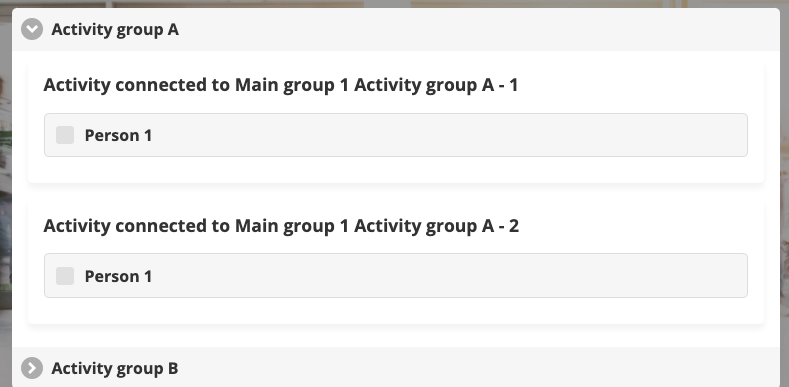
It is default in Trippus to have activity groups not expanded (like the above). This settings makes the default to expand activity groups (like the below).
Instructions
- Go to Home (left menu)
- Click on the settings wheel icon on the participant category
- Click on Flex settings (top right)
- Click the Miscellaneous tab
- Click Expand activity groups by default
- Click Save!
Comments
0 comments
Article is closed for comments.