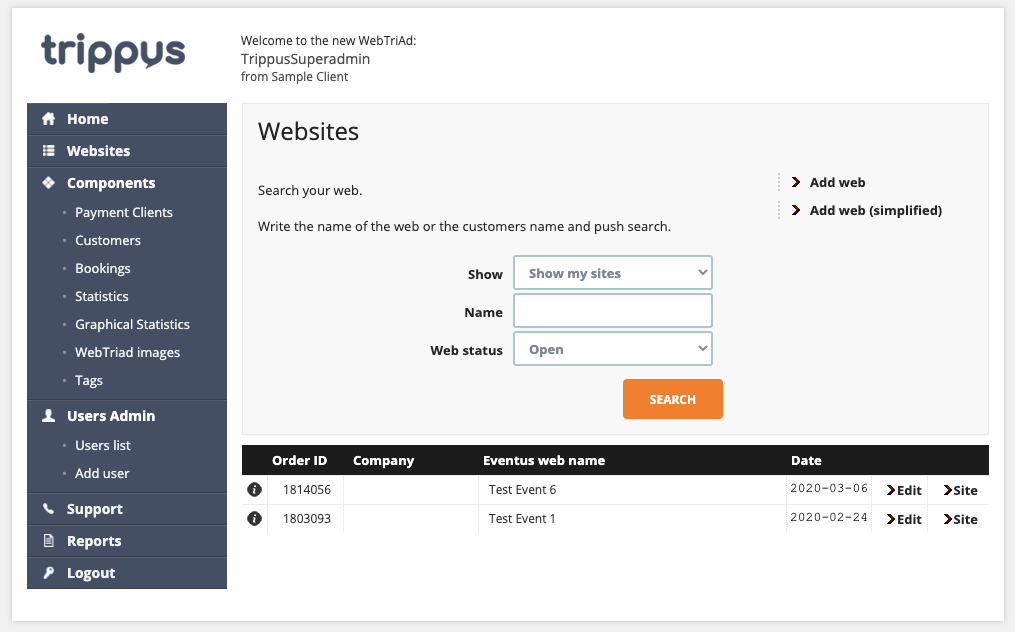
Above is the screen you see after you click Websites on the left sidebar.
Change Event Owner
- Click Edit next to the Event
- Change "User (6th field) to the user you would like to be the new Owner
- Click Save
- This event will now appear on that User's main page when they click Websites
Every event in Trippus has a single user assigned as its Owner.
Comments
0 comments
Article is closed for comments.