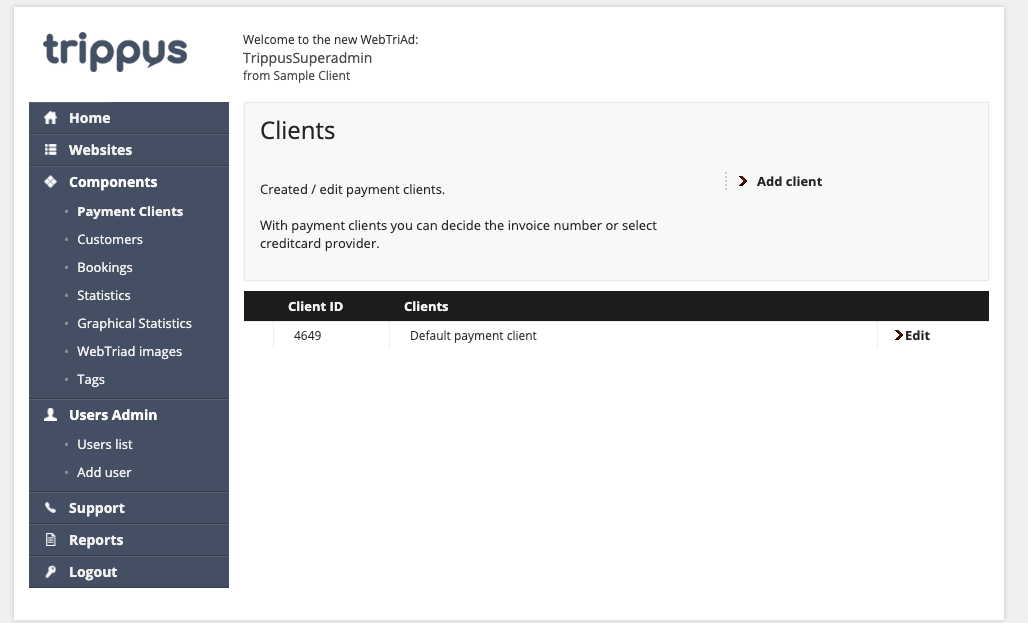
Above is the screen you see after you click Payment Clients on the left sidebar in the WebTriAd.
Here you will see a list of your Payment Clients (such as your Authorize.net Merchant Account).
If you have multiple Payment Clients, you will see multiple options listed here.
We will name them appropriately so you'll know which one to select when building an event. Each event can only have one Payment Client attached so we know where to funnel the registration money to.
Comments
0 comments
Article is closed for comments.