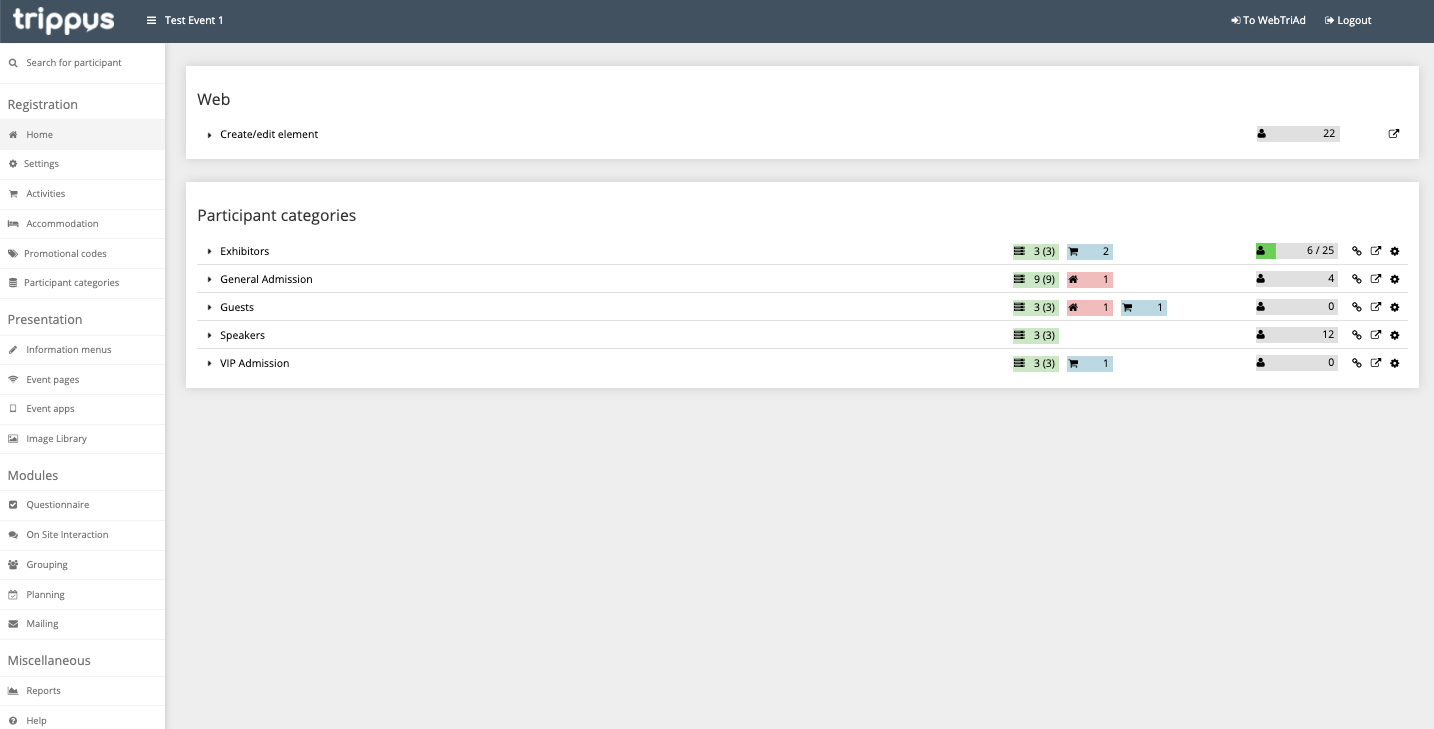
The above is what you will see once you select an event in Trippus!
Tip! You may need to scroll down to see all the options on the left sidebar.
This article will review each section at a high-level. There are individual sections of the Helpcenter that contain more details for the below. Use the search bar to look for articles that may answer your questions!
1. Top Bar

- Clicking the Trippus logo will take you back to the list of all your events
- Clicking the hamburger menu (the three lines) will shrink the left side menu
- The name of the event will always be listed up top
- Clicking To WebTriAd will take you back to the list of all your events
- Clicking Logout will log you out
2. Left Side Menu
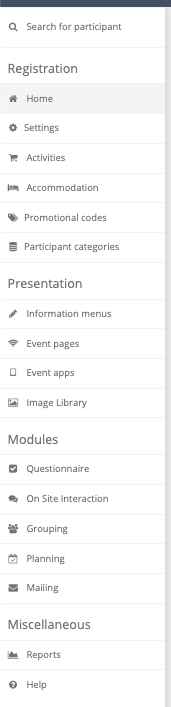
The left side bar will be your main menu for navigating all of the event settings and modules! You may have more or less options - depending on your account settings. If you have any questions about what appears here, please reach out to your account manager.
3. Main Page
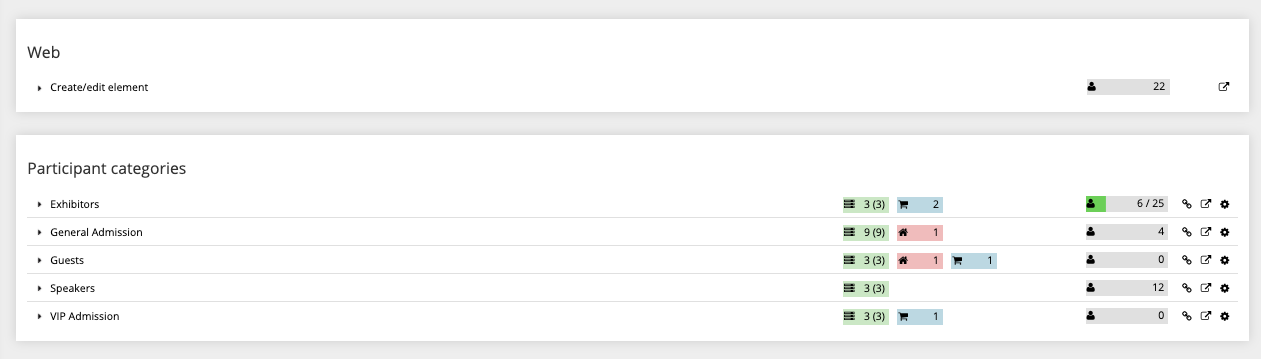
What appears on this page will be different depending on what tab you've clicked in the left side menu. Check out the individual pages in the Helpcenter for further information!
Comments
0 comments
Article is closed for comments.